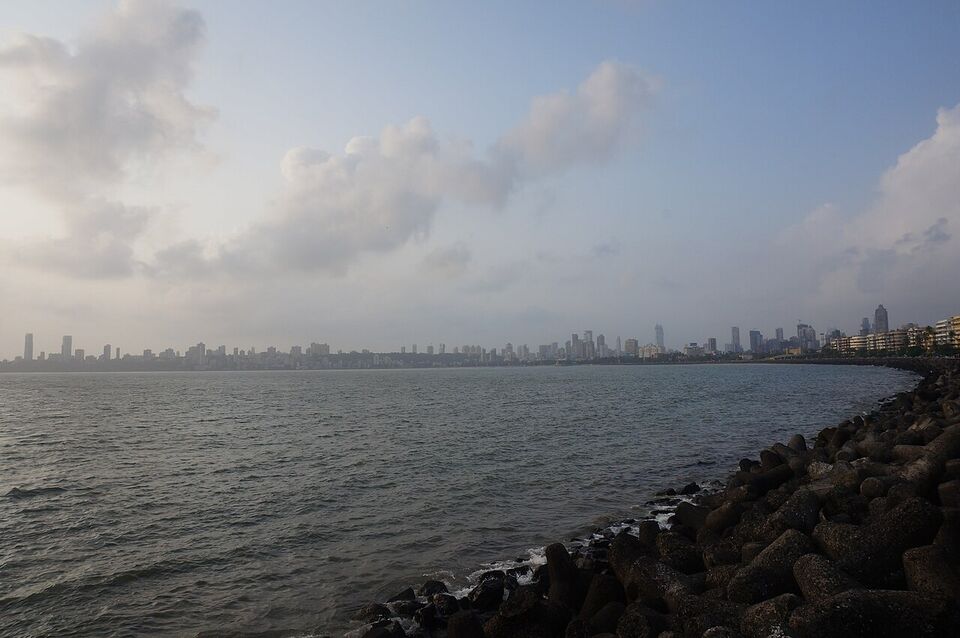
Overview
You have three realistic ways to stay online in India: use your US carrier's international plan, put an Indian eSIM on an unlocked phone, or buy an Indian SIM card. For a short first trip, the simplest choice is either your carrier's daily pass or an eSIM that you set up at home. A physical SIM has the best local prices but needs identity checks and takes more effort. Whichever you pick, download maps and your key bookings before you land, because the first hours at the airport are when you most need a connection and are least likely to have one.
India uses a different plug, a different voltage and different phone numbers than the US. This page covers all of it: the three ways to get a signal, coverage in cities versus the mountains and national parks, Wi-Fi in hotels, trains and airports (and the one-time-passcode problem that comes with it), power and plugs, the apps that matter for an American traveler, and VPN advice. For the money side, see money guide; for entry and the e-Arrival card that you fill in on your phone before landing, see e-Visa and entry guide.
Different from home
India's country code is +91. From a US phone, dial +91 and then the number. For emergencies, the number to know is 112, India's national emergency number for police, fire and ambulance. India Standard Time (UTC+5:30) is used all year with no daylight saving, so it is 10 hours 30 minutes ahead of New York in winter and 9 hours 30 minutes in US summer time. The half-hour offset is normal.
Option 1: your US carrier
This is the easiest option, since you keep your own number and your bank texts still reach you. It is also usually the most expensive per gigabyte. The key is to know the price before you land, because roaming charges vary a lot by carrier and by plan.
As an example we could confirm, Verizon's TravelPass gives unlimited talk, text and data in 210-plus countries and destinations for $12 a day, charged only on the days you use it. Verizon also sells an International Monthly Plan for $100, which gives 20 GB of high-speed data and then slower 3G speeds, plus 250 minutes of calling, and Verizon describes it as best for trips of nine days or longer. TravelPass is added automatically on Unlimited Plus and Unlimited Welcome plans, and Unlimited Ultimate already includes international data. We could not confirm from the text we read that India is on Verizon's TravelPass list, so check the country list on verizon.com before you rely on it.
AT&T and T-Mobile also sell international day passes and roaming plans, and we did not confirm their India terms, so check each carrier's own international page for the current price, the speed limit after a data cap, and whether India is included. A good rule of thumb: for a trip of a week or two, add up the days you will use data and compare that total with an eSIM.
- Switch off cellular data roaming unless you have a pass, and use Wi-Fi at the hotel.
- Ask your carrier whether text messages for bank codes will arrive while you are abroad.
- Download an offline copy of your itinerary, tickets and maps before you leave home.

Option 2: an eSIM
An eSIM is a digital SIM that you install by scanning a QR code or tapping an app. If your phone is unlocked and supports eSIM, you can buy a data plan online before the trip, install it at home and turn it on when you land. The eSIM gives you a data connection with a local or regional number, while your US number can stay active on its own line for calls and texts if your plan allows dual SIM. Most recent iPhones and many Android phones support eSIM, but check yours.
Delhi airport's official site offers an eSIM through its own app, which suggests that eSIM offers are available at the airport as well. We did not confirm the terms of any specific eSIM provider, so look at the plan details before you pay: how many gigabytes, how many days, whether it covers India or a larger region, whether calls and text are included, and whether the data speed drops after a cap. Check also whether the plan is aimed at tourists and what the provider needs from you, since rules for foreign visitors can ask for passport details. For rules on tourist SIM and eSIM service, the Department of Telecommunications website (dot.gov.in) is the place to check.
How to choose an eSIM
- Make sure your phone is carrier-unlocked. Ask your carrier if you are unsure.
- Pick a plan with enough data for maps, messages and photos, and a validity that covers your whole trip.
- Install it on home Wi-Fi, and keep your US line as the one for calls and bank texts.
- Keep a screenshot of the QR code and the provider's support contact, since you may need to reinstall.
Option 3: a physical Indian SIM
Indian mobile networks include Airtel, Jio and Vi (Vodafone Idea), and a prepaid SIM can be cheap for the amount of data you get. The catch is the identity check. Indian rules require a SIM to be registered to a verified person, and a foreign visitor is normally asked to show a passport and visa, give a photo, and sometimes name a local address or a local contact. We could not confirm the current requirements for tourist SIMs from an official source, so check the Department of Telecommunications and the carrier before you plan around it.
Airport counters at the main international airports often sell tourist SIMs, and some stores in cities do too, but we could not confirm this at any one airport. How long a SIM takes to switch on depends on the carrier and on the verification step: it can be quick, or it can take hours or until the next day, and in some cases longer. We could not confirm a standard activation time, so do not plan to need the SIM in the first few hours. If your hotel booking or your driver pickup depends on a working local number, get a plan that works the moment you land, such as an eSIM or your carrier's pass, and treat a physical SIM as a second step.
Watch out
Buy SIM cards only from official carrier stores and airport counters, and not from street sellers or a stranger who offers to "arrange" a SIM for you. A SIM registered in someone else's name can be switched off, and you can be held responsible for what is done with a number in your name.
Coverage: cities, mountains and parks
Coverage in Indian cities and along major highways and rail corridors is generally good, with fast mobile data in the biggest cities. Speeds drop in crowded markets, stadium crowds and stations at peak times. Smaller towns have a signal but it can be slower, and some rural areas have gaps.
In the Himalaya (Himachal Pradesh, Uttarakhand, Sikkim, Ladakh, Arunachal Pradesh), in the northeast, and in tiger reserves and other national parks, expect patchy or no signal for hours at a time. Mountain valleys block coverage, and a road in a canyon can lose service for a long stretch. Roaming or SIM service may also be limited in sensitive border regions, and some areas need a permit for foreigners, so ask your tour operator and your carrier before you go (see Himalaya guide and safety guide). We could not confirm region-by-region rules for foreign SIMs, so check them if your plan takes you to the mountains or the border.
Practical steps: download offline maps for each region, save your hotel address in the local script as well as in English, tell your lodge or driver your plans for the day, and carry a power bank. Do not depend on a phone signal to book the next day's train, ticket or lodge while you are traveling in remote areas.
Wi-Fi in hotels, trains and airports
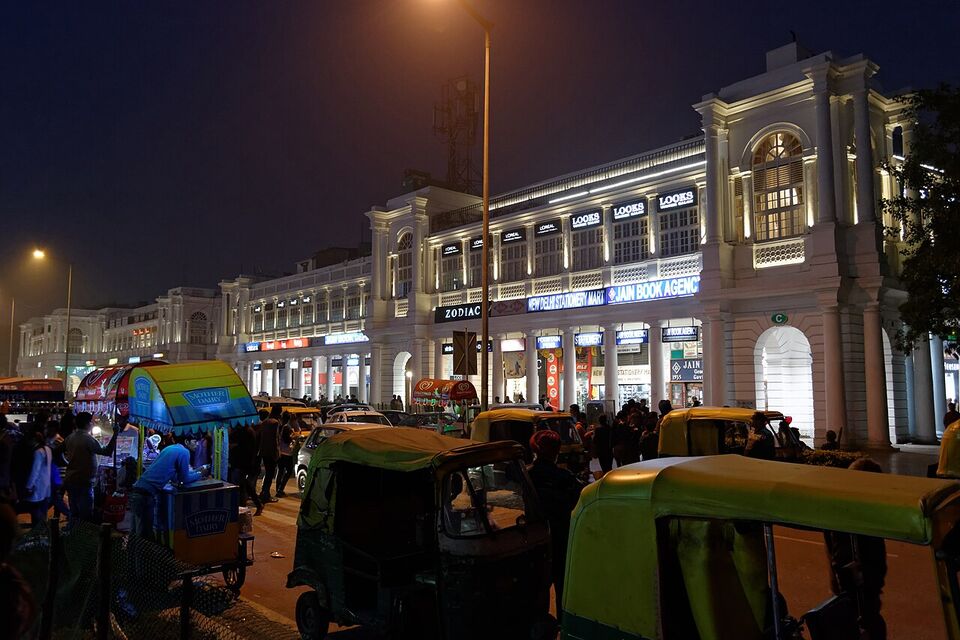
Most hotels and many guesthouses offer Wi-Fi, but the quality varies from fast to barely usable. The signal can be weak in rooms far from the router, and many places share one connection among all guests in the evening. If you need to work, ask about the speed before you book and keep a data plan as a backup.
Public Wi-Fi often asks for a mobile number and then sends a one-time passcode (OTP) by text. This is a problem for foreigners: a US number may not receive the text while roaming, and some systems accept only Indian numbers. Hotels often give you a password at the desk, which skips the OTP. At airports and stations, ask staff for a login or use your own data. The same OTP issue affects many Indian apps and websites (see the apps section).
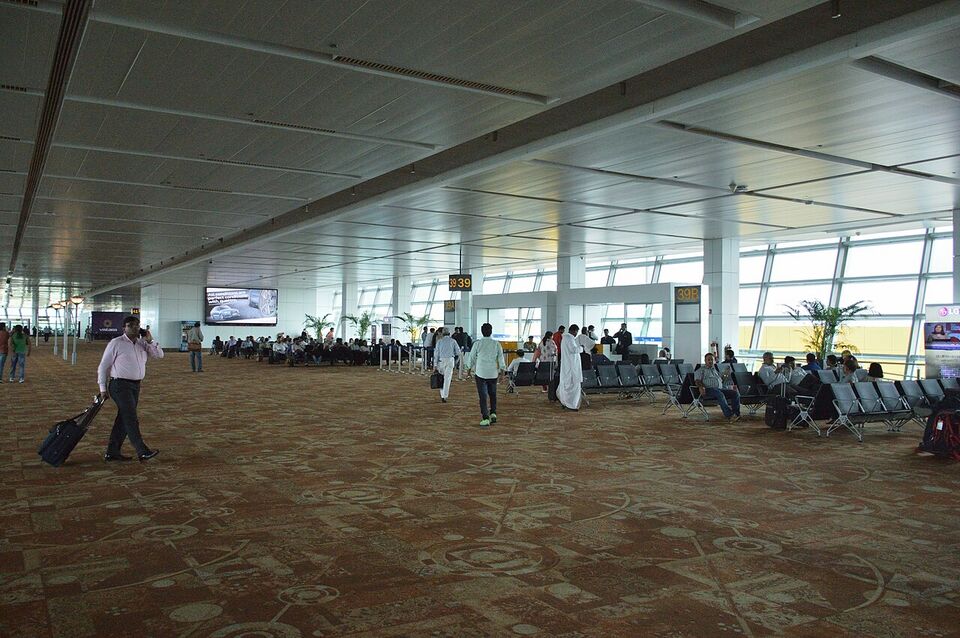
Delhi airport's site lists live information and an app for services, and larger airports in India generally provide Wi-Fi, but we could not confirm the current terms (time limit, registration), so check with the airport. Wi-Fi on trains is patchy: some stations and some premium trains offer it, but you should not count on it. Download your tickets, a book or a show before you board, and plan for dead zones.
Insider tip
Take a screenshot of every ticket, booking confirmation and address before you set off for the day. A screenshot opens without a signal, and it is easy to show to a driver, a hotel clerk or a guard.
Power, plugs and outages
India uses 230 volts at 50 Hz, with Type C, D and M sockets (round pins; some hotels also have universal sockets). US plugs, which are two flat pins and run at 120 V, do not fit. Bring a plug adapter, and put one in your carry-on and one in your checked bag. Most phone and laptop chargers are dual-voltage and accept 100 to 240 V, but check the label on each one. Hair dryers, curling irons, electric razors and travel kettles from the US are often single-voltage and can be damaged by 230 V, so check the label or leave them at home.
A multi-port USB charger and a power strip with a built-in surge protector let you charge several devices from one socket. A power bank is worth packing for long train and bus days. Power cuts and voltage dips can happen, more often in smaller towns and in hot weather, and hotels may have a generator. If you rely on a medical device, a CPAP or a camera battery, bring a fully charged power bank and ask the hotel about backup power. See packing list for the full list.
The apps that matter
Install these at home and log in before you fly, because creating accounts abroad can run into the OTP problem described above.
Google Maps and offline maps
Download offline maps for each city and region. Maps works well for walking, driving times and Delhi Metro routes, but check the posted opening hours with the place.
IRCTC and train apps
IRCTC is the official rail booking system. Whether a foreign visitor can register with a passport and a foreign card, and any longer booking window for foreigners, is something we could not confirm, so check IRCTC and see the trains guide guide.
Uber and other ride apps
Ride apps show the price before you go and avoid haggling. Uber is used in big cities, and other ride apps operate in some cities; check which ones work in yours. Check which payment methods the app accepts for foreign cards and add yours at home.
redBus
An app for booking intercity bus seats. Check payment and phone-number requirements before you rely on it.
Zomato and Swiggy
Delivery apps are common in cities and handy for restaurant listings, menus and reviews. Account creation may need an Indian number.
Translation and WhatsApp
Use a translation app that can download Hindi and offline text. Many hotels, drivers and guides use WhatsApp to confirm pickups. See Hindi phrases for phrases.
We could not confirm the current rules for using foreign cards or foreign phone numbers in each of these apps, so test each one at home. If a booking site refuses your card or number, a hotel front desk, a trusted travel agent or your tour operator can often book for you. An Indian friend can also book, and you pay them back in cash.
VPN and what is restricted
A virtual private network (VPN) encrypts your connection and is useful on public Wi-Fi in cafes, hotels and airports, where you are sharing a network with strangers. Choose a reputable paid service and install it at home, because the websites of VPN providers are sometimes slow or hard to reach once you are in a country.
India has blocked certain websites and apps by government order over the years, and a site that you use at home may not load. We could not confirm a current list of blocked services or an official rule on VPN use by visitors, so check the current situation before you go if you rely on a particular service. Do not use a VPN to hide illegal activity, and do not photograph or fly drones near military, border or government sites; see safety guide.
Calling home and your first hour
Most travelers call home by app, not by phone number. Wi-Fi calling, WhatsApp, FaceTime and similar apps work over any data connection and cost nothing beyond the data, so a hotel Wi-Fi connection is enough for a long call. Remember the time gap: when it is 8 p.m. in New York in winter, it is 6:30 a.m. the next morning in India. In US summer time the gap is one hour shorter. Los Angeles is three hours further behind New York, so the gap there is 13 hours 30 minutes in winter.
A simple first-hour routine at the airport saves trouble. Switch off airplane mode, connect to your eSIM or roaming pass, and send your hotel or driver a message that you have landed. Open the offline map for your city, confirm the pickup point for your ride app or prepaid taxi, and keep your passport, printed e-Visa and e-Arrival card details in one place. Do all of this before you leave the arrivals hall, where Wi-Fi and power sockets are easy to find and touts are not yet waiting.
Mistakes to avoid
- Arriving with no connection. Set up an eSIM or a roaming pass before you board, and download maps for your first city.
- Counting on a quick SIM. Treat a physical SIM as a second step, and not as your only way to reach your driver.
- A phone that is locked. A carrier-locked phone cannot take another carrier's eSIM or SIM. Call your carrier before you leave.
- The wrong charger. Check each charger for 100-240 V, and carry more than one adapter.
- Relying on a signal in the mountains or a park. Download offline maps and tickets first.
- Bank codes that never arrive. Ask your bank how to confirm payments when you cannot receive texts.
Before you go
- Check that your phone is unlocked and supports eSIM, or choose your carrier's international pass.
- Look up your carrier's India price and country list on its own website.
- Install and log in to maps, ride, train, translation and messaging apps at home.
- Download offline maps for each region on your route.
- Pack plug adapters (Type C, D or M), a surge-protected power strip and a power bank.
- Check every charger label for 100-240 V.
- Save the US Embassy number (+91-11-2419-8000 in New Delhi) and 112 in your phone.
- Screenshot your tickets and hotel addresses.
Next, see flights guide for the trip itself and getting around guide for rickshaws and drivers.
Add it to a route in the trip builder, or ask us to plan the hotels, trains and guides for you.