
The short answer
For most American visitors, the simplest plan is a data-only travel eSIM installed before you leave home, with your US number kept for calls and texts over Wi-Fi or on a cheap plan. It is cheaper than carrier roaming, there is no German ID check, and it switches on when you land. If you want a German phone number, a prepaid SIM works too, but Germany requires identity verification, which adds a step.
This page covers each option, what the US carriers charge, how Wi-Fi works in cafes and on trains, the apps worth downloading, and the plug situation. We could not verify every current carrier price, so confirm the figures with your provider before you go.
Check your phone first
Whatever you choose, two things matter. First, your phone must be unlocked if you plan to use a foreign SIM or eSIM. Carrier-locked phones refuse other SIM cards, so ask your carrier to unlock it (this can take days). Second, your phone should support eSIM if you want one. Most iPhones from the XS onward and many recent Android phones do. In your phone's settings, look for "Add eSIM" or "Cellular Plan." If you only have a physical SIM slot, a prepaid physical SIM is the route.
Also check that mobile data roaming is switched off for your US line unless you want to use it. Leaving it on without a travel pass is the classic way to get a surprise bill.
eSIM, local SIM or US roaming
Here is how the options compare for a typical one- to two-week trip.
| Option | Cost (rough) | German number? | Best for |
|---|---|---|---|
| Travel eSIM (Airalo, Holafly and similar) | Roughly $5-30 for a data bundle; check current prices | No (data only) | Most short trips; no ID check; works on arrival |
| German prepaid SIM or eSIM (Telekom, Vodafone, O2, Aldi Talk) | Often about €10-30 for a starter plus a monthly data pack (check) | Yes | Longer stays; needing a local number for deliveries, taxis or bookings |
| US carrier day pass | Reported $12 a day (Verizon, AT&T); confirm | No (your US number) | Convenience; short trips; business travelers |
| Wi-Fi only | Free | No | Budget trips; hotels and cafes; but less convenient for maps |
Travel eSIMs
A travel eSIM is a digital SIM you buy online and install by scanning a QR code or tapping a link in the provider's app. You usually buy a data bundle for a set number of days or gigabytes. Holafly sells unlimited data by the day (from 1 to 90 days) over Telefónica and Vodafone networks, and Airalo's Germany plan has been listed at 20 GB for up to a month on the O2 network. Prices change, and the figures we found were not reliable, so compare before you buy.
- Install the eSIM before you fly (on Wi-Fi at home), then turn it on when you land.
- They are data only, so you keep your US number for WhatsApp, iMessage and calls over the app.
- They give you no German number, so you cannot receive SMS verification codes from German services.
- Set the eSIM as the line for mobile data and turn data roaming on for it, and off for your US line.
German prepaid SIMs and eSIMs
The main German networks are Telekom, Vodafone and O2 (Telefónica). Their prepaid brands include Telekom's own prepaid cards, Vodafone CallYa, O2 prepaid, and discount brands such as Aldi Talk (which runs on the O2 network), Lidl Connect and others. A prepaid card gives you a German number, calls and texts, and data on a monthly pack you can top up.
The catch is identity verification. German law (the Telecommunications Act, section 172) requires providers to check who you are before activating a SIM or eSIM. In practice you need your passport and a German contact address; a hotel or temporary lodging works. The check can be done by video call, an app or at a post office (PostIdent), or in a provider shop. If the online check fails, a shop visit usually solves it.
Watch out
Aldi Talk and similar discount brands need ID verification, and buying a card at a supermarket does not skip it. Telekom prepaid is typically activated as a physical SIM first, and only then can you ask to switch to an eSIM. If your phone is eSIM only, choose a provider that offers an eSIM directly, or use a travel eSIM instead.
Which network is best? Telekom is often described as having the widest coverage, especially outside cities, and the others cover most places visitors go. Check the provider's coverage map for villages and mountain areas. Germany still has weak spots, and rural valleys and some stretches of railway have patchy signal. Keep offline maps for hikes. If you plan to walk in the Alps, see our Bavarian Alps guide and outdoors page.
Using your US plan
Germany is part of the EU's free roaming zone for European customers, but that does not apply to US plans. Your American carrier sets the rules. The big three offer travel add-ons:
- Verizon TravelPass: reported at $12 a day, charged only on days you use your phone abroad, with a high-speed data cap and slower speeds after it. We could not re-verify the current price, data cap or country list in November 2026, so confirm Germany and the terms on Verizon's travel page.
- AT&T International Day Pass: reported at $12 a day, again charged only on days of use, with data drawn from your US plan allowance. We could not re-verify the current price or country list in November 2026, so confirm that Germany is covered on AT&T's international page.
- T-Mobile: some plans include data and texting in Europe, with speed limits or daily caps that differ by plan. We could not verify the current terms, so check your plan's international section.
At the reported $12 a day, a two-week trip would cost around $168, which is far more than an eSIM. But a day pass is easy and it keeps your number working for calls, texts and two-factor codes. A good compromise: use an eSIM for data and keep your US line on a pass-free setting for texts only over Wi-Fi.
Save money
If you travel for a week or more, a data eSIM almost always beats a $12-a-day pass. Compare the total cost, not the daily figure. For short stays of two or three days, the pass can be about the same.
Wi-Fi: hotels, cafes and trains
Most hotels and hostels offer free Wi-Fi, though in older buildings it can be weak in rooms. Cafes and restaurants vary. Chains often have it, small places sometimes do, and some ask you to sign in through a splash page. Do not assume it is available everywhere, and use a VPN or avoid logging into banks on public networks.
Wi-Fi on trains
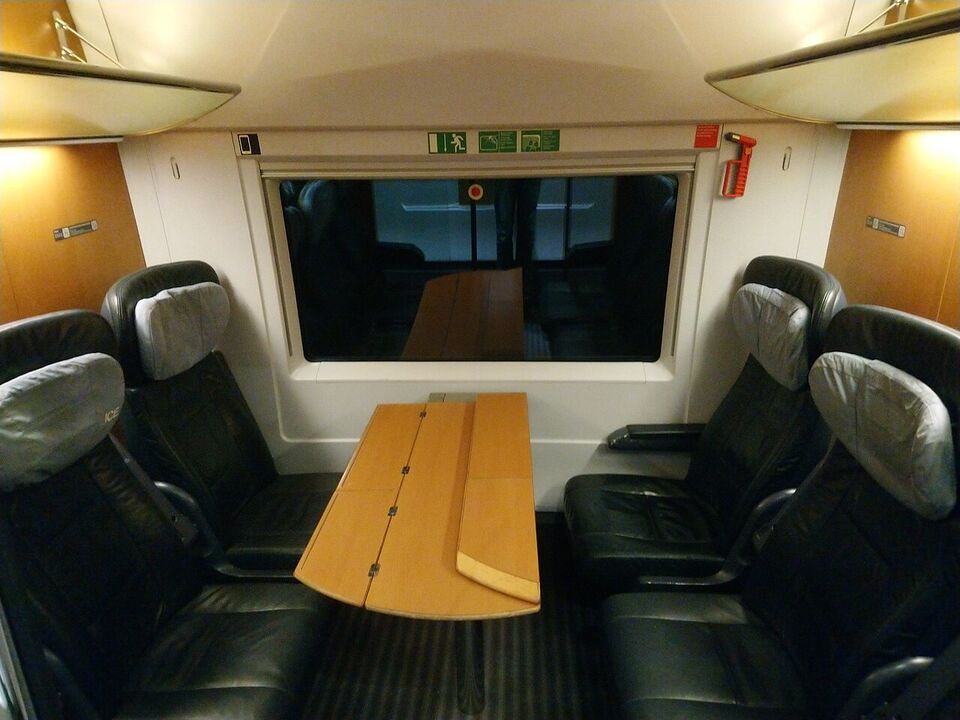
Deutsche Bahn's ICE and many IC trains have onboard Wi-Fi that you join from a network named like "WIFIonICE." In our understanding it is free in both classes, but we could not read DB's current page, so check on the train or in DB Navigator. Quality is mixed: it can be slow when a train is full and it drops in tunnels and rural stretches, because it relies on mobile networks along the line. Regional trains usually do not have it.
Use it for messages and light browsing. For video calls, work or streaming, download your content before you board, or rely on your eSIM data. Power sockets are available at many seats on long-distance trains, and a compact power bank is useful for older cars. See train tickets and getting around for how to plan your journeys.
Apps worth installing
Install these before you leave, log in on Wi-Fi, and download maps for offline use.
DB Navigator
The official Deutsche Bahn app. Search timetables, buy tickets, and see platform changes and delays. Your ticket lives in the app, so keep your battery charged. A Deutschlandticket also lives in an app in digital form.
Google Maps
Handles city transit directions in German cities well and shows live departures. Download the city map for offline use. Apple Maps works too in many cities.
City transit apps
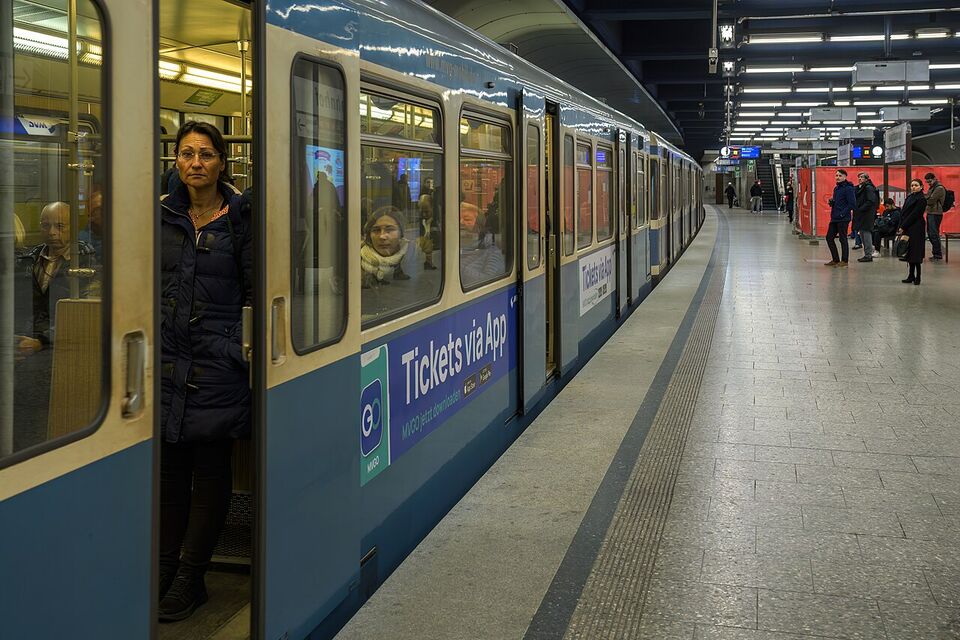
Each city's transit app sells single tickets, day passes and group tickets, and shows live times. Berlin's BVG app and Munich's MVV and MVG apps are the main ones, and RMV serves Frankfurt and Hesse. Our Berlin and Munich guides explain the tickets.
FREE NOW, Bolt and Uber
FREE NOW books licensed taxis and works in many cities. Bolt competes with lower prices in some cities. Uber operates in several large cities, with rules that differ from the US, and is not available everywhere. Availability changes, so check what works in your city.
Translation and phrase tools
Download German for offline use. The camera mode reads menus and signs. Our German phrases page has the essentials for restaurants and trains.
Too Good To Go
An app where bakeries, cafes and supermarkets sell unsold food in surprise bags at a discount. It works in many German cities, but you collect at set times, and the contents are random, so it suits flexible travelers with a fridge or a picnic plan.
Other helpful apps include your bank's, an airline app, a weather app (Germany uses Celsius, so convert in your head or set your phone to Fahrenheit), and your hotel's app. For the deeper planning tools, see our tools page.
Calling and messaging
WhatsApp is the dominant messaging app in Germany, and iMessage, Signal and Telegram are all used. For calls home, use WhatsApp, FaceTime or similar over data or Wi-Fi; it avoids per-minute fees. To call a US number from a German phone, dial the country code, +1, then the number. To call Germany from the US, dial 011 49 and then the number without the first zero (or +49).
The emergency number is 112 for fire and ambulance (and the general European emergency number) and 110 for police. These work from any phone, with or without a SIM. Save them with your US embassy numbers listed in the safety guide.
Power: plugs and voltage
Germany uses 230 V at 50 Hz. The sockets are Type F (the round, two-pin "Schuko" with side earth clips) and the plugs fit Type C (the flat two-round-pin Europlug). American plugs are 120 V with flat blades and do not fit.
- Phones, laptops, cameras, e-readers: most chargers are dual voltage (100-240 V). Check the small print on the charger. If it says "100-240V," you need only a plug adapter.
- Hair dryers, curling irons, electric razors and kettles: many are 120 V only. Plugging them into 230 V will usually destroy them. Buy a dual-voltage travel model, use the hotel's hair dryer, or buy a cheap one in Germany.
- Adapters: buy a Type C/F adapter that is grounded (Schuko) if your device has a three-prong plug. A small multi-port USB charger with an adapter is the easiest way to run several devices from one socket.
- Voltage converters: only needed for 120 V-only appliances. They are heavy, so leave those appliances home.
Hotel rooms often have few sockets, so bring a short extension lead or a compact travel power strip (keep the total load within the adapter's limit, and avoid plugging high-wattage appliances into one). Our packing guide has a full list.
Setting up a travel eSIM, step by step
If you have never installed an eSIM, the process is quick, but do it at home on a reliable connection, not at the airport.
- Buy the plan in the provider's app or website, choosing Germany (or Europe) and the data size or number of days that fits your trip. Add a few extra days if your return flight is late.
- Install it. The provider shows a QR code or an install button. On an iPhone, go to Settings, Cellular, Add eSIM. On Android, look under Network and Internet, SIMs, Add eSIM. Label it "Germany."
- Keep it off until you land. Many plans start their clock when the eSIM first connects to a network, and some start on a fixed date, so read the start rule before you buy.
- On arrival, set Mobile Data to use the Germany line, switch on data roaming for that line, and switch off data roaming for your US line unless you bought a pass.
- Save the support chat or email in case it does not connect. If it fails, restart the phone and try a different network option in the settings.
One practical risk: if your phone is lost or reset, the eSIM may be lost with it. Save the install email and, where the provider allows, the QR code, so you can reinstall (some QR codes work only once, so ask the provider).
Different from home
German prepaid plans are typically sold as a data pack for a set period, not as the all-in unlimited lines many US plans offer. Prepaid cards with a monthly data pack are a common way to buy mobile service, and the ID check applies to them all.
Staying safe online
Public Wi-Fi in stations, cafes and hotels is convenient, but it is also where careless logins go wrong. Use mobile data or a VPN for banking and for anything that holds your passport details, and avoid joining networks with names that copy a business's but are not shown on its sign. Keep your phone's software updated before the trip.
Also protect the physical phone. Pickpockets work train stations, crowded trams and Christmas markets, as covered in our safety guide. Keep your phone in a front pocket or an inside bag pocket, and turn on "Find My" or the Android equivalent. Do not leave it on a cafe table at the edge of a pedestrian street, where it can be snatched. If it is stolen, you can lock it remotely and report the loss to the police for your insurance claim.
A simple setup plan
- Two weeks before: check that your phone is unlocked and supports eSIM.
- One week before: compare travel eSIMs and your carrier's day pass, and decide.
- Before you fly: install the eSIM on Wi-Fi, add the apps, download offline maps for your cities, and turn off auto-roaming for your US line unless you bought a pass.
- In your carry-on: a plug adapter, a charger, a power bank (airline rules allow power banks in carry-on only) and a short cable.
- On arrival: switch on the eSIM and data roaming for it. Send a message home through an app.
Need to see what else to prepare? Start with entry requirements and money in Germany.
Add it to a route in the trip builder, or ask us to plan the hotels, trains and guides for you.